Nov 25, 2025
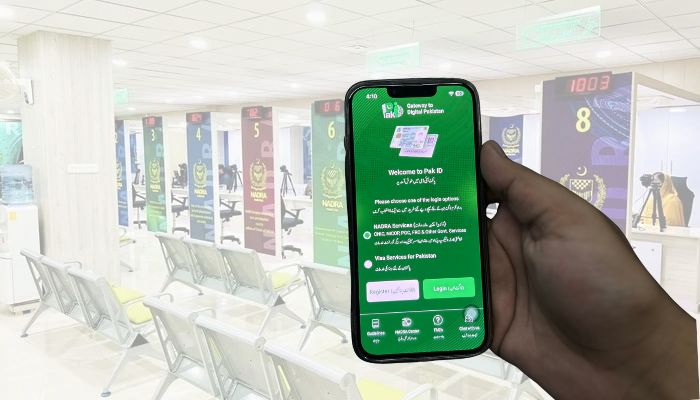
If you're seeking ways to apply for a Family Registration Certificate (FRC), then the National Database and Registration Authority (Nadra) has made it easier for you to do it by using the Pak-ID mobile application.
FRC shows the family composition of the applicant (by birth or by marriage) registered with Nadra. If a person is not registered in Nadra and does not hold a 13-digit ID number, his/her data will not be reflected in FRC.
Here's how you can apply for FRC through Pak-ID app
- Get the Pak-ID app from the Android or iOS app store, or go to the website.
- Register with your details or log in if you already have an account.
- Select the option to apply for an 'FRC'.
- Provide all the required family information in the online form. You may be asked to verify your family composition as recorded in Nadra's database.
- Scan and upload supporting documents such as the Computerised National Identity Cards (CNICs) of family members and the Child Registration Certificate (CRC) for minors, if applicable.
- Make the payment online using a debit/credit card, or through other digital services like e-Sahulat, Easypaisa, or Jazzcash. Submit the completed form and documents for processing.
- Once you have submitted and the verification is completed, you will find a 'Download' option in front of the tracking ID, which you have to click.
- After that, tap 'ID Vault' at the bottom-centre, then select 'My Documents'.
- Then, tap the 'FRC' option, where you will get your download FRC document.
What documents are needed for FRC?
It should be noted that to get an FRC, you are required to have the 13-digit CNIC number of all family members, and photographs for any family member under 18.
The specific documents required depend on whether you are applying by birth or marriage, and the authority urges applicants to ensure that all names are correctly spelt and that all family members have up-to-date, registered records with Nadra.