Sep 09, 2026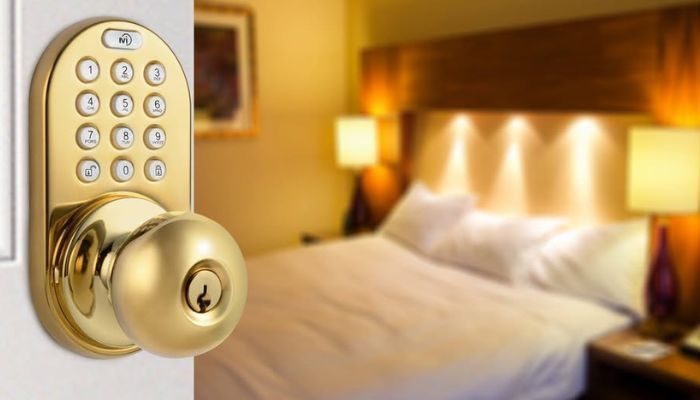
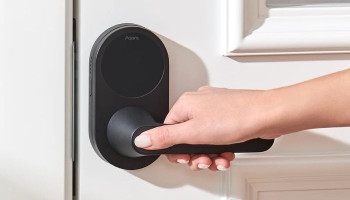
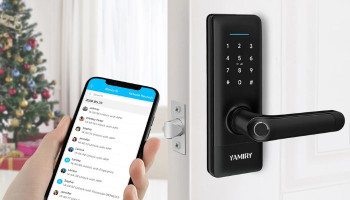
The MiLocks Door Knob with Keypad and Anona Holo Wi-Fi Smart Lock with Keypad offer keyless entry in two distinctly different ways. MiLocks is a standalone keypad door knob built around physical PINs and RF remote control, while Anona takes a connected retrofit approach with built-in Wi-Fi, app management, and a wireless keypad.
MiLocks Door Knob vs Anona Holo Smart Lock specs
| Feature | MiLocks Door Knob with Keypad | Anona Holo Wi-Fi Smart Lock |
| Lock type | Keypad door knob | Retrofit smart deadbolt |
Connectivity | RF remote | Built-in Wi-Fi |
Code capacity | Up to 10 keypad passcodes | Not specified |
| Remote capacity | Up to 10 RF remotes | App-based remote access |
| Smart-home support | None | Amazon Alexa, Apple HomeKit |
| Security standard | ANSI Grade 3 | Not specified |
| Power | 4 AA batteries | CR2016 remote AA batteries, included |
| Best deals | MiLocks Door Knob with Keypad | Anona Holo Wi-Fi Smart Lock |
MiLocks Door Knob with Keypad
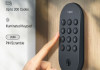
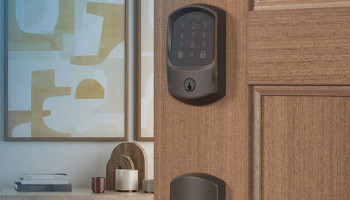
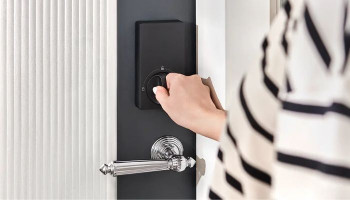
The MiLocks XKK-02AQ is designed for users who want keyless convenience without connecting their lock to a home network. Its Antique Brass finish gives it a traditional appearance, while the integrated backlit keypad eliminates the need to carry a key for everyday entry.
It can store up to 10 keypad passcodes and support up to 10 RF remotes, with one remote included.
The biggest concern is long-term reliability. Reports of very short battery life and problems with keypad or remote operation can make the MiLocks less reassuring for users who expect dependable everyday performance.
Anona Holo Wi-Fi Smart Lock with Keypad
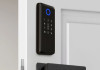
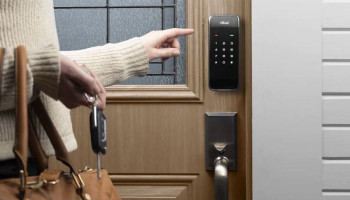
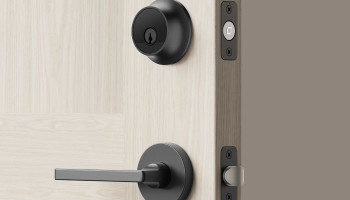
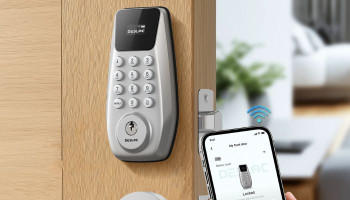
The Anona Holo approaches keyless entry from a smart-home perspective. Instead of replacing the entire exterior lock hardware, its main unit installs on the inside of a compatible single-cylinder deadbolt and operates the existing thumbturn.
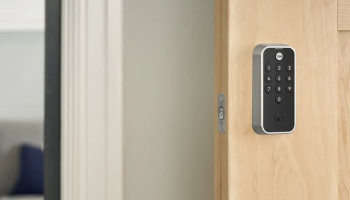
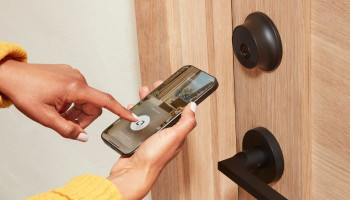
The included wireless keypad adds PIN-based entry, while built-in Wi-Fi enables remote management through the mobile app without requiring a separate bridge.
The Anona Holo's connected functionality comes with a little more setup complexity than the standalone MiLocks. The initial Wi-Fi pairing process needs to be followed carefully, and remote features require a nearby 2.4GHz Wi-Fi connection.
Which one should you prefer?
The MiLocks Door Knob with Keypad makes more sense if you want a straightforward, standalone keyless lock for an interior door.
The Anona Holo is the stronger choice for users looking to add smart functionality to an existing deadbolt without replacing the exterior hardware.