Rehan Shahid
  Jan 03, 2026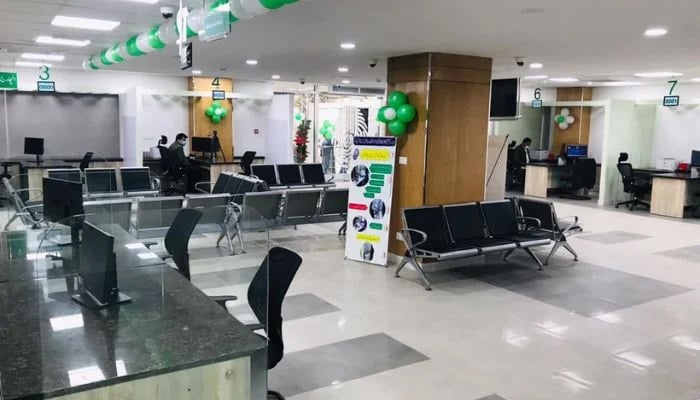
If you're tired of standing in long queues, waiting for your turn at the National Database and Registration Authority (Nadra) centres, then don't worry, Gadinsider has a solution that will ease your tension.
With the help of Pak-ID mobile application, you can easily book Nadra appointment online without the hassle of standing in long queues whole day to get ID-related services.
All those who want to go to the Nadra centre, "Pak-ID mobile app brings you the option of appointment, which means that if you have to go to the centre and you do not want to wait in queues, then you can take an appointment from your centre through the app."
Here's how you can book Nadra appointment
- Open Pak-ID mobile app on your smartphone.
- Log in to your account.
- Select the 'Appointment' option on the home screen.
- Then, select your state, district, and the centre where you want to go.
- Select the date and time of your visit.
- Enter your full name, Computerised National Identity Card (CNIC) number, and contact number and book an appointment.
- Remember, if you do not reach the centre at the appointed time, contact the counter. Provide your appointment ID.
- Enter the PIN and the category of your application like CNIC, Family Registration Certificate (FRC), whatever you want to get made.
- You will be issued a token and as soon as a counselor is available, your application will be processed.
It should be remembered that only one application can be processed on one appointment. Nadra aims to bring you many more features through the Pak-ID mobile application.
To stay up-to-date will all such updates, connect with Gadinsider, which brings all important details to you.