Dec 07, 2025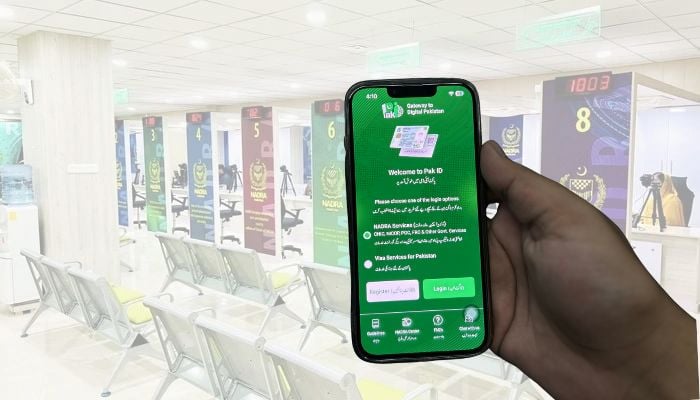
If you're seeking ways to change the current address on your Computerised National Identity Card (CNIC), the National Database and Registration Authority (Nadra) has announced that the address can be changed with some easy steps.
Taking to X (formerly Twitter), the authority said that citizens can easily update their address on their CNIC by visiting their nearest Nadra centre or through the Pak-ID mobile application.
How to change current address on CNIC?
To change the current address on the identity card:
- Provide proof of either electricity, gas, water bills, domicile, property papers/society allotment letter or certified rent receipt in your, your parents' or your spouse's name.
- Come to the Nadra office or submit an application through the Pak-ID app.
Earlier, the Directorate General of Immigration and Passports (DGIP), in collaboration with Nadra, introduced a new system for fingerprint confirmation.
Now, if citizens want to get new passport, they can easily confirm their fingerprints using the Pak-ID mobile app anytime and anywhere.