Jan 05, 2026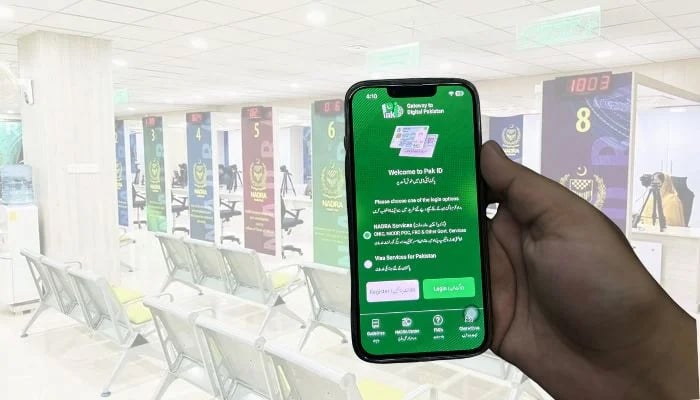
If you're looking for ways to submit documents for your application, then the National Database and Registration Authority (Nadra) offers you an easy solution.
Nadra — after you have submitted your identity documents request through Pak-ID mobile app — will process your request. In case of any missing documents or any error, your request is sent back to you on the Pak-ID app so that you can upload the required documents or correct the errors.
Here's how you can upload required documents or correct errors on Pak-ID mobile app
- In such a situation, you will get notification in the mobile app.
- Log in to your account.
- Scroll down to the 'Nadra Miscellaneous Services' category and click on 'Upload Documents' option.
- Enter the tracking ID and PIN code of the request and click on 'Get Details'.
- The 'Supporting Documents' screen will appear from where you can upload the required documents.
- Once the documents are uploaded, a success message will appear on the screen and your request will be submitted.
It should be noted that citizens can now easily apply for a Computerised National Identity Card (CNIC) from the comfort of their own home without standing in long queues and waiting for their turn. However, if you still want to go to Nadra centre, then with the help of Pak-ID mobile app, you can easily book Nadra appointment online without the hassle of standing in long queues whole day to get ID-related services.