Apr 06, 2026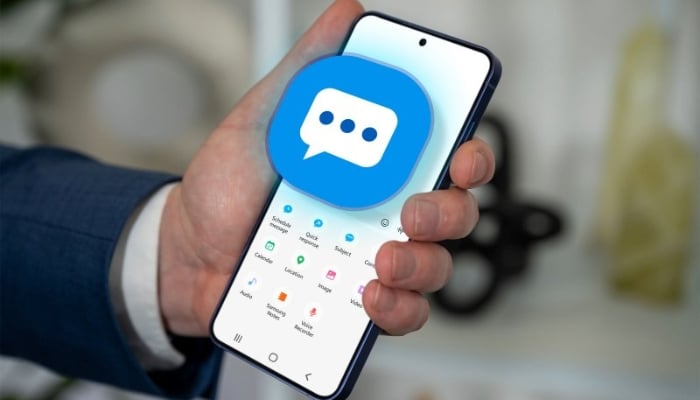
Samsung has decided to discontinue its 'Messages' app, as the company has now shared an exact timeline for the shutdown of the messaging service.
Following the discontinuation of Samsung Messages app, the company has advised users to switch over to Google Messages as the default messaging app. Samsung, in a post on its US support page, announced that Samsung Messages will be discontinued in July 2026. While the company has not disclosed an exact date, it confirmed that users will be able to find it on the Samsung Messages app on their devices.
Here's how you can switch to Google Messages from Samsung Messages
The South Korean-based tech giant has announced a complete switch to Google Messages as its default texting platform. The app can be used across Galaxy phones, tablets, and even Galaxy Watches. Users have to set Google Messages as the default SMS app on their primary device to avail all the features.
Samsung also assured that messages and contacts can be synced or transferred between apps, so nothing is lost during the transition. The company may send in-app notifications within Samsung Messages to help users switch to Google Messages.
However, if you're confused of how to switch to Google Messages, don't worry, Gadinsider has a solution to your confusion.
- Open 'Google Messages'.
- The first time users open it, this prompt will be displayed - 'To use Messages, make it your default SMS app'.
- Tap the 'Set' default 'SMS' app button.
- Then, you need to select Google Messages (the white icon with a blue chat bubble).
- Tap 'Set' as default.
Google Messages supports Galaxy devices running Android 8.0 and above. The company said data can be backed up or synced using Samsung Smart Switch or Google Drive.