Apr 24, 2026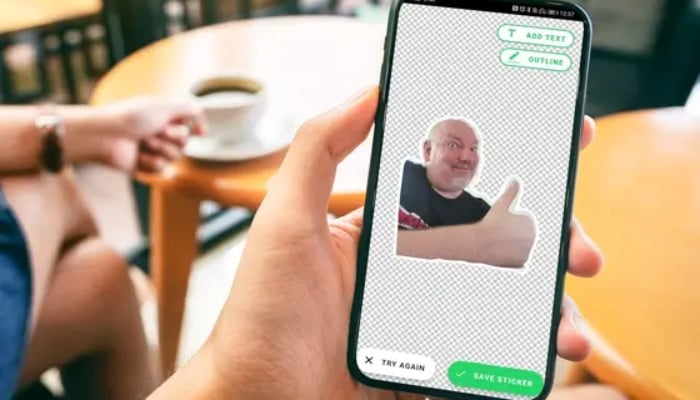
WhatsApp has reportedly launched a new feature, named 'Image-to-Sticker', allowing users to quickly create and copy stickers from images, which is currently available to select users.
Meta-owned instant messaging platform said that when users tap on an image, a dedicated sticker menu appears with two options. The first lets users open the sticker editor to create a sticker, where they can choose from different variations, as they normally do.
WhatsApp is continuously working on providing users with a better platform experience, having new features to enjoy chatting with their friends and family, without any thinking any second thought to switch the platform.
The platform said that the feature would be available to more users over the coming days. Consequently, this shortcut opens the sticker editor, and performs the same action already available through the overflow menu.
How to create image into sticker on WhatsApp
- Firstly, you need to open any chat on WhatsApp and tap the sticker icon.
- Then, tap 'Create' and select a photo from your gallery.
- WhatsApp will automatically remove the background and offer an outlined version.
- Edit by adding text, drawing, or adding emojis from the top menu.
- Lastly, tap 'Send' to share, or tap the sticker in the chat to select 'Add to Favorites'.
AI Sticker Generator:
- Go to the sticker tab and tap 'Create'.
- Select 'Generate with AI'.
- Enter a description for your sticker, and select one of the AI-generated options to send.