Pareesa Afreen
  Dec 17, 2025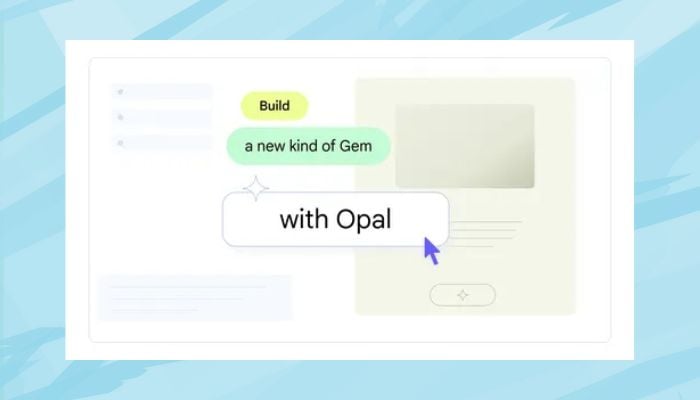
Google is expanding its generative AI tools by bringing Opal, its experimental mini app builder, directly to Gemini on the web. The update allows users to create AI-powered mini apps using simple natural language prompts, without needing coding skills.
Opal was rolled out in July as part of Google Labs. Google Labs is the innovation testing environment for Google for its early AI products.
This application allows users to generate, modify, and share mini-applications involving AI using the aid of requests, models, and tools by utilising the visual application.
As part of the Gemini rollout, Google is also developing Opal's visual editor. There is a new step-by-step view that helps to convert user questions into structured lists to understand how a mini app works.
Google claims the update is intended to enable users to work with AI more easily, specifically those who want to prototype applications or automate small-scale tasks using generative AI.
It's important to note, though, that Google later clarified that Opal is not included in Gemini Apps. As such, any activities done with the use of Opal will not feature in Gemini Apps Activity and will not be subject to the configuration settings of the Gemini’s Workspace connected app.
How to access Google Gemini Opal feature?
To access Opal, users can open Gemini on the web, click the hamburger menu in the top-right corner, and select Gems.
The section includes pre-built Labs Gems created with Opal, which users can remix or modify using the Advanced Editor to build custom mini apps from scratch.