Jan 14, 2026
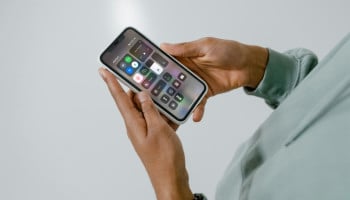
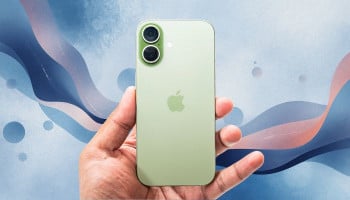
Apple has released iOS 26.2 with bringing new features like offline lyrics in Apple Music, alarms for Reminders, enhanced Lock Screen customisation, and important security patches for vulnerabilities that might have been actively exploited by spyware.
The company said that the iOS 26.2 update is available for iPhone 11 and newer models, which will give users a safety as well as new features.
What's new in iOS 26.2 update?
With iOS 26.2, Apple added a new option to adjust the Liquid Glass effect on the clock of the Lock Screen. Here's a quick guide of how you can customise the Lock Screen.
iPhone user can find them by long-pressing the wallpaper on the Lock Screen, tapping 'Customise' and tapping on the Lock Screen's Clock.
Users can now also add borders to the Lock Screen's clock via going to 'Settings' >'Accessibility' > 'Display & Text Size' > enable 'Show Borders'.
Another option is heading to Settings > Display & Brightness > Liquid Glass, and switching from "Clear" to "Tinted." Apple said that tinted mode increases opacity while adding more contrast.
How to get iOS 26.2 on iPhone?
- Open Settings
- Go to General
- Tap Software Update
- If available, you'll see iOS 26.2; tap Download and Install, then enter your passcode if prompted.