Rehan Shahid
  Dec 03, 2025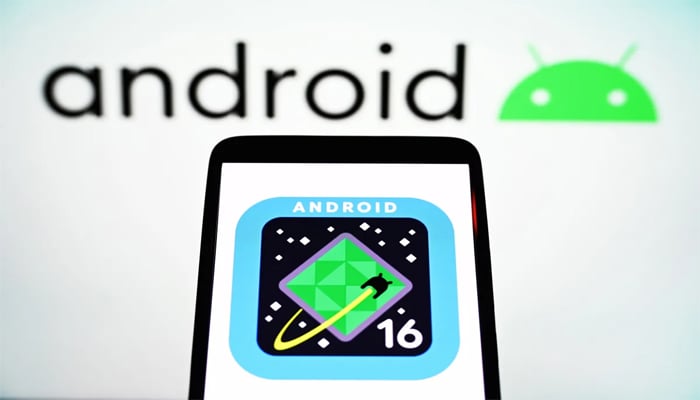
Google on Tuesday released a suite of Android 16 updates, along with new general Android and accessibility features, offering users a better experience.
Alphabet-owned tech giant stated that Android 16 update brings AI-powered notification summaries that compress long messages and group chats into quick, glanceable overviews.
Android 16 update
A new 'Notification organiser' will automatically group and silence lower-priority notifications, such as promotions, news, and social alerts.
Moreover, the update brings more ways to customise devices according to your needs, along with access to custom icon shapes, themed icons, and the option to automatically darken light apps, even those that don’t have their own native dark theme.
There’s a new 'Parental Controls' option within Android Settings, which lets parents set screen time limits, create downtime schedules, control app usage, and more for their children.
Android 16 update is available on eligible Pixel devices, expanding to other devices soon. Google has also launched several new Android features, but these aren't specific to Android 16.
A new beta feature called 'Call Reason' allows users to flag calls to saved contacts as 'urgent'. Recipients will see this on their incoming call screen and know it’s time-sensitive. If they miss the call, the 'urgent' note will stay in their call history.
It will be easier to spot and exit unwanted group chats. If an unknown number invites a user to a group, you will get an alert that shows key information about the group. You can then quickly select to reply, leave the chat, or block and report the number.
Circle to Search has also received an update, allowing users to search from anywhere on their phone by using gestures like circling, highlighting, scribbling, or tapping. Users can now analyse suspicious messages with the feature and report them as spam.
Users no longer need to physically tap their phone to start using Voice Access, which allows users to control their Android devices with voice commands. You just need to say “Hey Google, start Voice Access” to begin controlling your phone hands-free.